

Noomiclone Puts a Body Where the Car Usually Goes
Noomiclone is a bar gymnastics game built on ragdoll physics, and it is the odd one on a site full of cars. There is no throttle and no steering wheel. Three keys move the body: bend backward to load a swing, tuck to speed the rotation up, and let go when the arc points where you want to land. A fourth key starts the scene over.
That is the whole interface, and it is why the game belongs here anyway. Every driving game on this site asks you to feel weight through a keyboard, and Noomiclone asks for exactly that with a person instead of a chassis: a swing is momentum you build and then spend, and the release window closes whether or not you are ready. Readers who come for stunt physics will recognise the failure straight away. You do not lose to an opponent. You lose to a few milliseconds and to a body that keeps turning after your hands leave the bar.
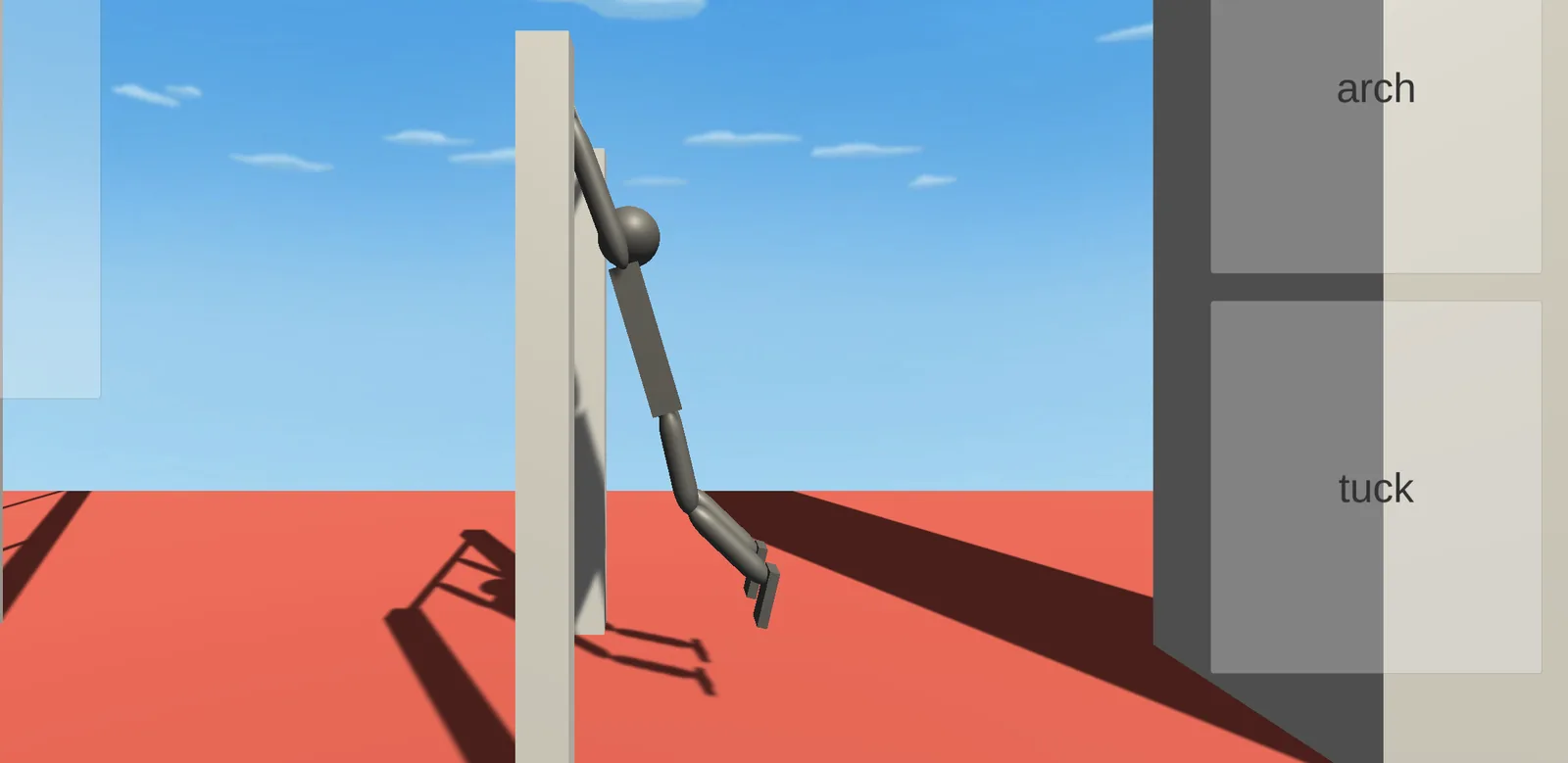
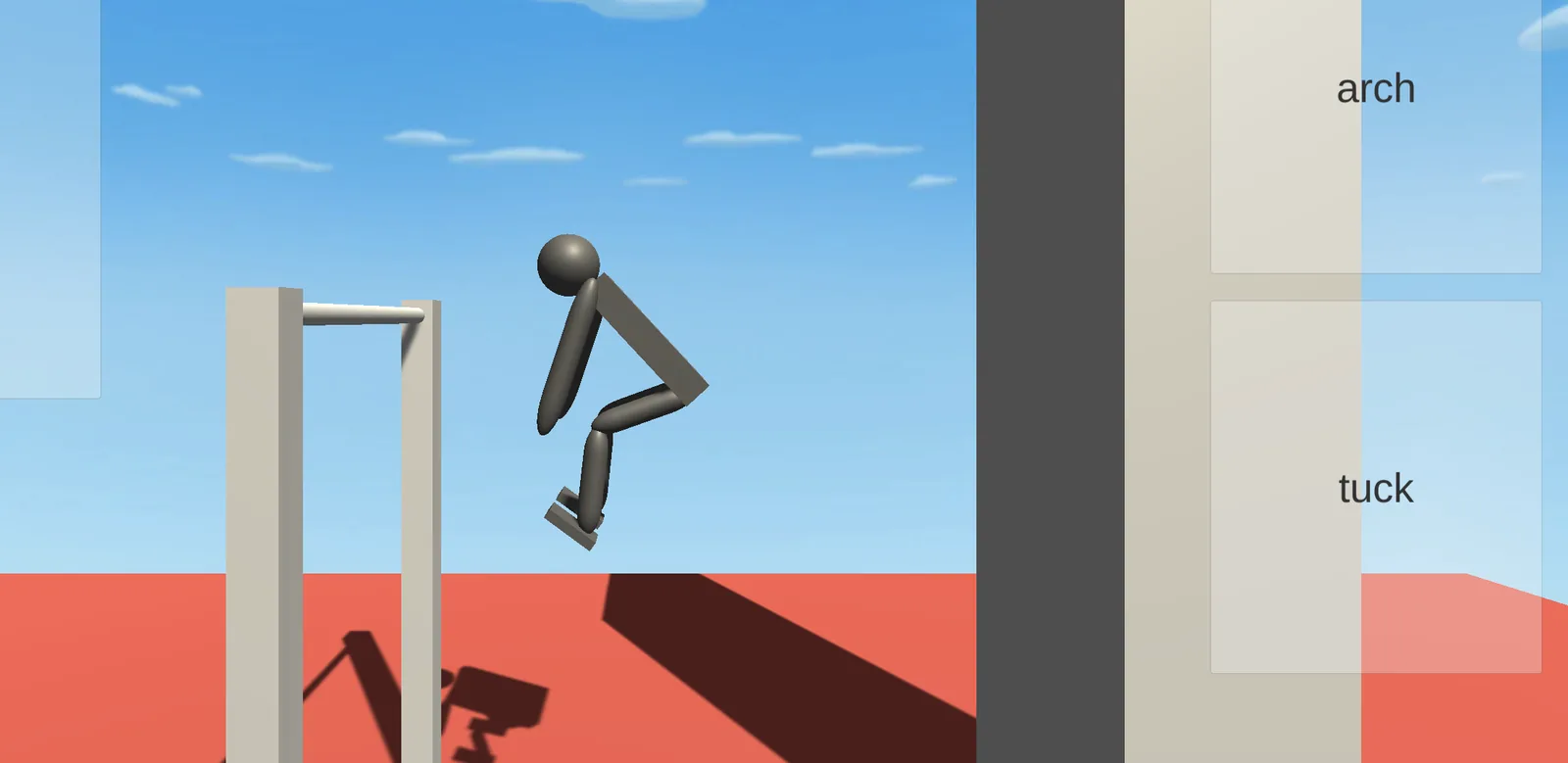
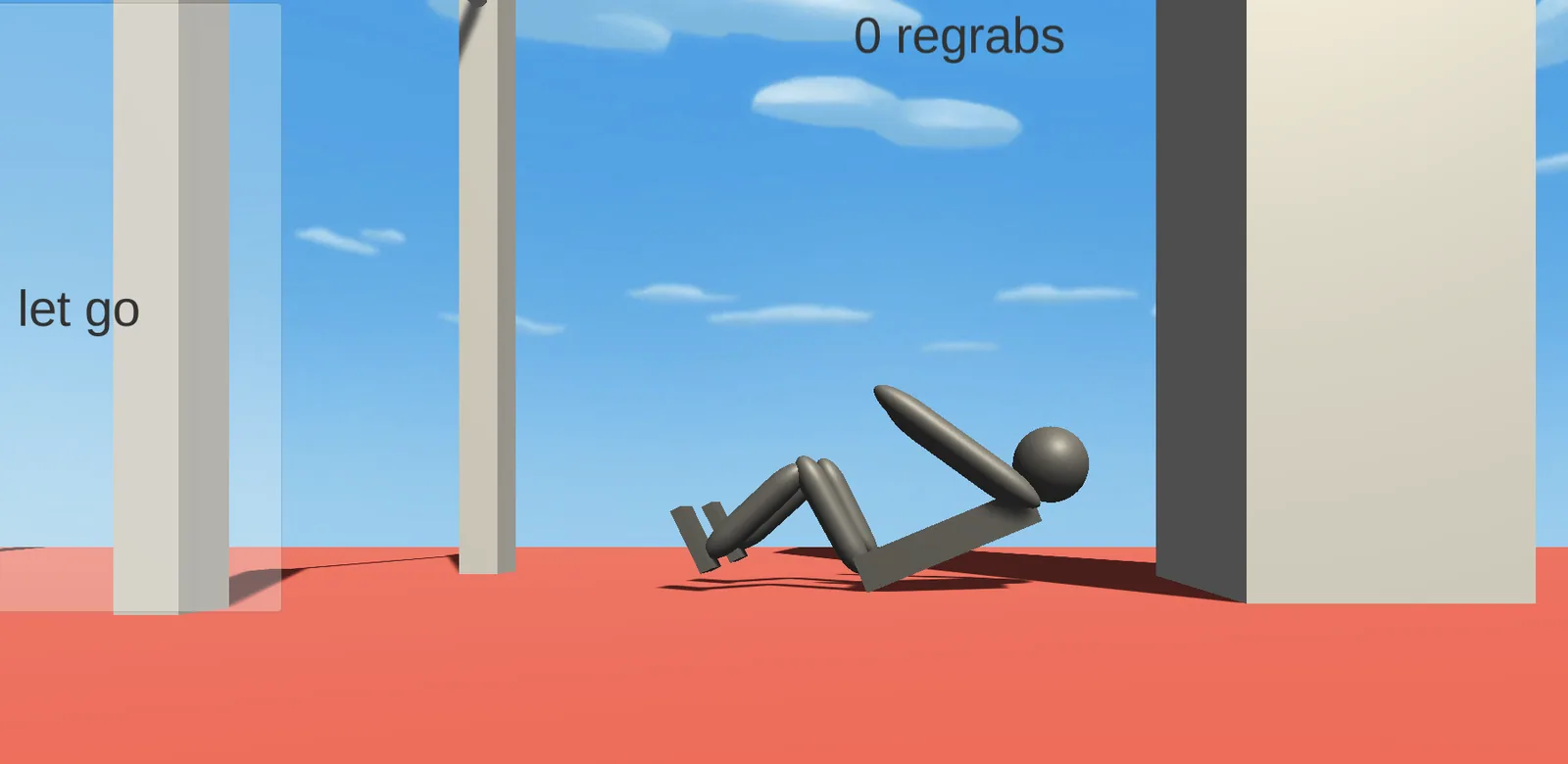
Noomiclone Gameplay Screens: Arch, Air and the Fall
Noomiclone Controls: Four Keys, Three of Them Body Shapes
The web player prints the key map along the bottom of the frame and the itch listing repeats it in words. Both agree on four keys and nothing else.
- 1
Load the swing
Arch bends the body backward while the hands stay on the bar. It is the only way to build amplitude, so it is almost always the first press of an attempt.
Left arrow
- 2
Speed the rotation up
Tuck pulls the knees to the chest. At the top of the swing it shortens the body and spins it faster; pressed late it does little, and the slower arc stays.
Space
- 3
Commit
Let Go opens the hands. After that the bar is behind you and the only input left is the shape of the body, which is why this is the key worth practicing first and trusting last.
Up arrow
- 4
Start again
Reset rebuilds the scene with no confirmation and no countdown, so the distance between a bad attempt and a fresh one is a single keystroke.
R
- 5
The four on-screen buttons
Large arch, tuck, let go and reset buttons sit at the edges of the frame and carry the same names inside the build: archButton, tuckButton, letGoButton and resetScene. Mouse clicks fire the same four actions, which is how the game gets played without a keyboard.
- 6
Why nothing is remappable
The build's input map holds only Unity's stock axes, so the four actions live in the player script instead of a settings screen. On the web you learn these keys or you play with the mouse, and there is no third option.
Where the Timing Actually Bites
The three keys are easy to press and hard to press at the right moment, because each one changes how the next one behaves. Arch sets the amplitude of the swing. Tuck changes how fast the body rotates once it is off the bar, and it also changes where the feet end up, so a tuck that fixes the spin can ruin the landing. Let Go is the only irreversible input of the three.
The official material is blunt about why the loop holds up: momentum and rotation carry through every move, so no two attempts are identical even when you repeat the same presses in the same order. A retry does not feel like a rewind. Same keys, same order, different outcome.
My read is that the difficulty is honest. Nothing is hidden and nothing is dealt at random: the same three presses in the same order can land differently only because a keypress is never timed exactly the same way twice. The one tip worth carrying into a session is to watch the feet rather than the hands. The skill being tested is not knowledge of a move list. It is your own sense of where the body is pointing at the moment your thumb moves.
The Moves the Browser Build Does Not Have
The official move list is much longer than the keyboard. It runs tuck, pike, arch, layout, squat, twists in both directions, flash kick, stuck landing and bar regrab. That list belongs to the phone release. The web build offers four actions and the two most interesting air moves are not among them.
This is checkable rather than a matter of taste. The build's scene objects and interface strings contain arch, tuck, let go and reset, and no twist or grab control turns up in either. The hub page at noomiclone.com lists six actions including Twist and Grab, which is a looser description of a smaller build than the one that page embeds.
What that does to your hands is simple enough. There is no air control beyond two body shapes, so a bad release cannot be corrected mid-flight. The game becomes one decision long, made early, with the rest of the attempt spent watching whether the decision was right.
Browser Noomiclone and Phone Noomiclone Are Two Different Products
The build served in a browser reports version 0.9, still carries itch's In development label, and holds a single scene. The phone release is version 2.3.2, with twelve bar maps, six tumbling maps, slow motion, replay export, buttons you can drag and resize, and a high frame rate option for 90 and 120 Hz screens.
That gap is not a footnote, because it changes what you are judging. A player who reads about eighteen maps and then opens the browser build finds one bar in one room. The comments under the itch listing already ask how to change maps, and the answer is that you install the phone app.
So treat the browser version as the physics demo and the phone version as the product. If one bar and three keys are enough to keep you retrying, the map count stops mattering quite quickly, and if they are not, no number of maps would fix it.
What a Missed Release Costs You
Almost nothing, which is the most interesting thing about the loop. The frame carries one number, a regrab counter reading 0 regrabs, 1 regrab and upward, and it is the only progress the browser build puts on screen. A fall is not a loss state with a dialog to dismiss. The hands come off the bar, the body lands on the red floor, and R puts the scene back.
A retry therefore costs seconds and nothing else, and that reads as either generous or weightless depending on what you want from a game. I lean generous. The release window is narrow enough that a life system would have made the first hour miserable, and the short distance between failure and the next attempt is exactly what makes the timing learnable at all.
The counter is also the honest scoreboard. It measures catches, not style, so a scrappy save and a clean one count the same, and nobody is grading the line of the body. If the browser build needs a goal, beating your own regrab count is the one it actually offers.
Noomiclone FAQ
Is Noomiclone free to play in a browser?
Yes. The web build loads from the developer's own host with no account, no download and no install, and the phone versions are free with ads and optional purchases for skins.
What are the Noomiclone controls?
Left arrow arches the body, space tucks it, up arrow lets go of the bar, and R resets the scene. The same four actions sit on large on-screen buttons for mouse or touch.
Can I play Noomiclone on a phone?
The browser build offers the same four actions as large buttons, and the native iOS and Android release is a much larger game with eighteen maps, slow motion and replay export.
How long does the browser build take to load?
The game data is about 6.3 MB and the player is Unity's older loader, so the first visit shows a progress bar before the click-to-play button appears. After that the browser caches the build.
Is the web version the same as the app?
No. The web build is version 0.9 with one scene and four inputs. The phone release is version 2.3.2 with twelve bar maps, six tumbling maps and features the browser build never got.
Who made Noomiclone?
Matthew Jones, listed as NoomiClone Dev on Google Play and jamesnorth on itch. The App Store records the first release on 30 December 2020, and Google Play shows 4.4 stars across 16.5K reviews.
Games on This Site Built on One Well-Timed Press
If the appeal is a narrow window rather than a long race, these four are the closest match here.

